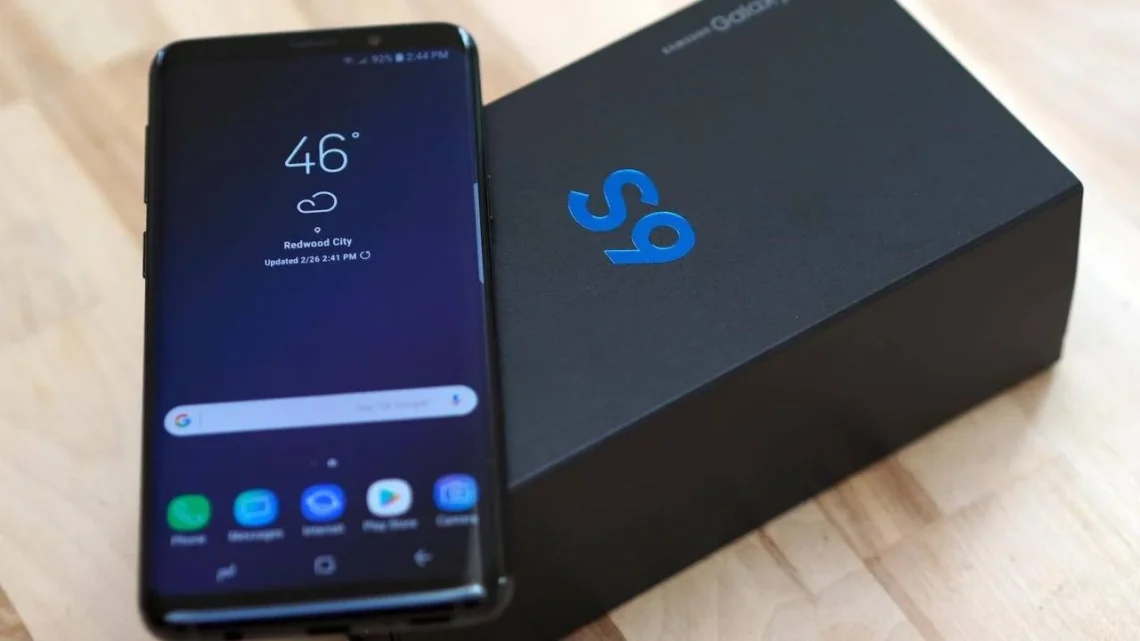
When it comes to claiming warranty, insurance, or resale value for your smartphone, having a valid Samsung S9 receipt is essential. Whether you bought your phone from a Samsung Store, authorized retailer, or online marketplace, that small document can save you a lot of trouble later on. This detailed guide will walk you through how to find, download, or request a Samsung S9 receipt, why it’s important, and what details it should include to be considered valid.
1. Why Your Samsung S9 Receipt Is Important
Your Samsung Galaxy S9 receipt is more than just a record of payment—it’s an official proof of purchase that verifies the phone’s authenticity, purchase date, and seller information. Without it, you could face challenges if you need repairs, warranty claims, or device trade-ins.
Key Reasons You Need the Receipt
-
Warranty Claims: Samsung requires a valid purchase invoice or receipt to honor any warranty repairs or replacements.
-
Insurance Claims: If your phone is lost, damaged, or stolen, insurers will typically ask for the original proof of purchase.
-
Resale or Exchange: When selling your Galaxy S9, buyers often want to see the original receipt to confirm ownership and legitimacy.
-
Tax and Business Records: For business or professional purchases, a receipt or tax invoice is important for record-keeping and deductions.
Keeping a digital copy of your Samsung S9 purchase receipt is strongly recommended, especially if the physical one fades or gets lost over time.
2. How to Get a Copy of Your Samsung S9 Receipt
If you can’t find your original Samsung S9 receipt, there are several ways to retrieve or reissue one depending on where you purchased the phone.
If You Bought from a Samsung Store
-
Visit the Samsung Experience Store where you purchased the device.
-
Provide your purchase details, such as the date, card used, or IMEI number.
-
Ask for a duplicate invoice—most stores can reprint or email you a copy.
If You Bought Online (Samsung.com or Authorized Reseller)
-
Log in to your Samsung Account or the retailer’s website.
-
Navigate to your order history and select your Galaxy S9 purchase.
-
Download or print the order confirmation or tax invoice.
If You Bought from a Carrier or Third-Party Retailer
-
Contact the customer service department of your mobile carrier or store (e.g., Verizon, AT&T, Best Buy).
-
Provide your purchase ID or phone number.
-
They can usually send a copy of your receipt via email.
Tip: Always store your digital receipts in cloud storage (Google Drive, Samsung Cloud, or Dropbox) for safekeeping.
3. What a Valid Samsung S9 Receipt Should Include
To be recognized for warranty or insurance purposes, a Samsung S9 receipt must include certain key details that confirm authenticity.
Essential Information on a Samsung Receipt
| Detail | Description |
|---|---|
| Date of Purchase | Confirms when the phone was bought. |
| Retailer or Seller Name | Identifies where the device was purchased. |
| Model Name | Should list Samsung Galaxy S9 or S9+. |
| IMEI Number | A unique 15-digit number linked to your device. |
| Purchase Amount | The total price paid for the phone. |
| Payment Method | Cash, card, or financing details. |
| Invoice or Receipt Number | Used for tracking and verification. |
If any of this information is missing or incorrect, Samsung may reject warranty or service requests.
4. How to Verify Your Samsung S9 Purchase
If you’re not sure whether your Samsung S9 receipt is genuine, or you bought a used phone, you can verify its authenticity through several simple checks.
Verification Steps
-
Check IMEI Number: Go to Settings → About Phone → Status → IMEI Information.
-
Then visit Samsung’s official IMEI checker or imei.info to confirm the device’s details.
-
-
Compare Receipt and IMEI: Make sure the IMEI number on the phone matches the one listed on the receipt.
-
Cross-Check Seller Info: If purchased from an online marketplace, confirm the seller was an authorized Samsung dealer.
-
Inspect Date and Model Details: Ensure the purchase date matches the device release period (2018 for Galaxy S9).
Following these steps protects you from counterfeit receipts or second-hand scams.
5. What to Do If You’ve Lost Your Samsung S9 Receipt
Losing your receipt doesn’t necessarily mean losing your rights to warranty or verification. There are still a few options available:
1. Contact Your Retailer or Carrier
Most retailers and carriers can reprint a copy of your invoice if you provide enough purchase details.
2. Check Your Email or Account
If you bought the phone online, look for order confirmation emails or account purchase records.
3. Use IMEI for Proof
In some cases, Samsung can locate purchase records through your device IMEI, especially if you registered it with a Samsung Account.
4. Use Payment Records
A bank statement or credit card record showing the Samsung purchase may be accepted as alternative proof in some situations.
The key is to provide clear evidence of ownership and purchase date—even digital copies can serve as valid documentation.
6. Tips for Keeping and Managing Digital Receipts
Managing receipts properly can save time and frustration in the future. Here’s how to organize and protect your Samsung S9 and other purchase documents.
Best Practices
-
Scan Physical Receipts: Use a smartphone scanning app like Adobe Scan or CamScanner.
-
Save to Cloud: Upload digital receipts to Google Drive, OneDrive, or Samsung Cloud.
-
Use File Naming System: Label receipts by model and date (e.g., “Samsung_S9_Receipt_July2018”).
-
Backup on Multiple Devices: Store copies on your phone, PC, and external drive.
-
Register with Samsung: Log in to your Samsung Account and register your device to make future support easier.
Keeping your purchase records safe ensures you never lose access to important benefits like warranty repairs, upgrades, or buyback programs.
Conclusion
Your Samsung S9 receipt is an essential document that safeguards your purchase and ensures smooth warranty or service claims. Whether you need to reprint, verify, or store it, following the right steps can make the process quick and stress-free. Always back up your receipts digitally, confirm authenticity, and keep them accessible whenever you need them.
By taking a few minutes to organize your purchase documents today, you can save yourself time and hassle in the future—especially when it comes to warranties or resale opportunities.
FAQs
1. Can I claim warranty on my Samsung S9 without a receipt?
Sometimes yes, if your phone is registered with Samsung, but most cases require a valid proof of purchase.
2. How do I download my Samsung receipt online?
Log in to your Samsung account or the retailer’s order history page and look for a download invoice option.
3. What should I do if my receipt is faded or damaged?
Request a duplicate receipt from the original seller or contact Samsung Support directly.
4. Is an email invoice accepted for warranty claims?
Yes. Digital receipts or PDF invoices are officially recognized by Samsung.
5. Can I use my IMEI as proof of purchase?
IMEI alone doesn’t prove purchase, but it helps Samsung locate your registration and warranty details.